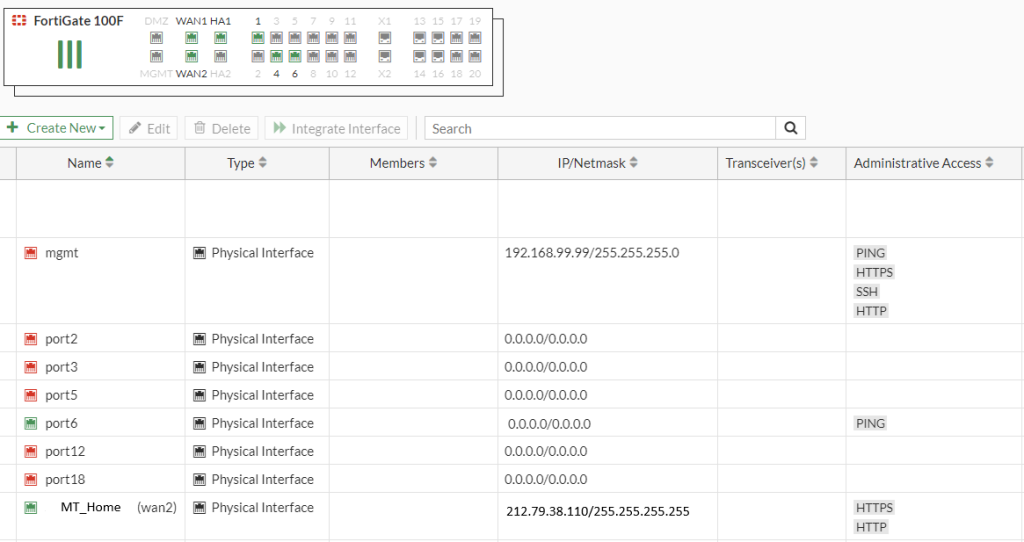
In this article, we will create fortigate firewall wan interface an access list rule.
First one, “local in policy” enabled in feature visibility.
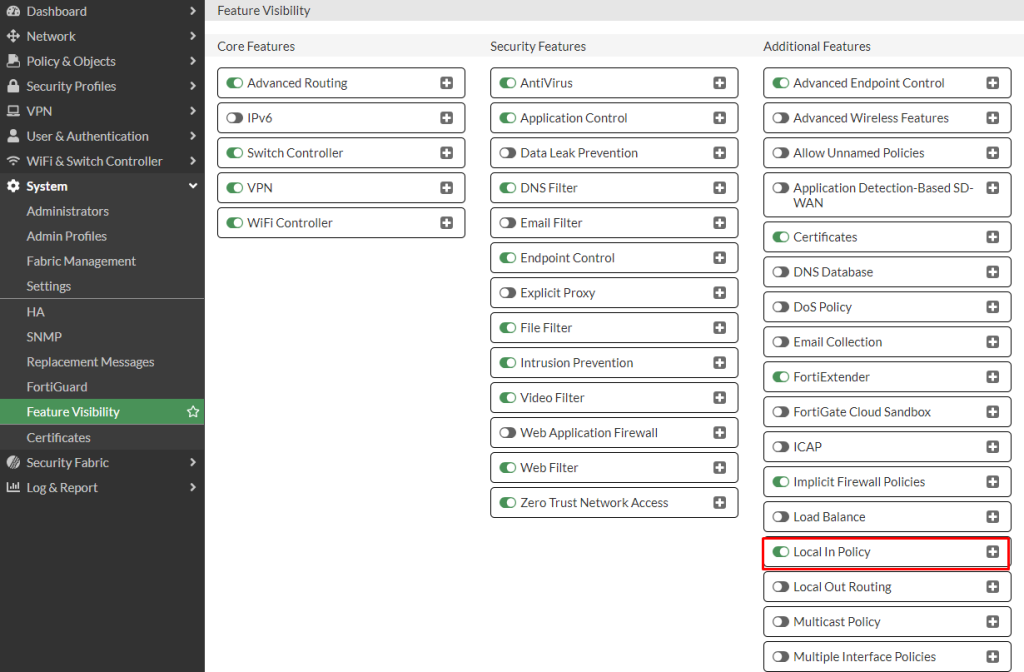
IP addresses that will have external access are added as address.You can create the addresses either from the command line or from the policy & object section, the important thing is that the naming is correct.
cli example for creating address ;
config firewall address
edit MustafaTurkoglue_Home
set subnet 212.79.38.110 255.255.255.255
next
end
If there is more than one address, it should be included in the group after the addresses are added. You can add it either from the command line or from the policy & object section.
cli example for address group;
config firewall addrgrp
edit "Firewall_Access_WAN1"
set member "MustafaTurkoglu_Home"
next
end
For the local policy for the interface and service we want to open to external access, we activate the external IP addresses that will access this interface.
config firewall local-in-policy
edit 1
set intf "wan1"
set srcaddr "Firewall_Access_WAN1"
set srcaddr-negate disable
set dstaddr "all"
set dstaddr-negate disable
set action accept
set service Firewall_Access_Service
set service-negate disable
set schedule "always"
set status enable
set comments "Mustafa Turkoglu Home Description"
next
end

edit 2
set intf "wan1"
set srcaddr "all"
set srcaddr-negate disable
set dstaddr "all"
set dstaddr-negate disable
set action deny
set service Firewall_Access_Service
set service-negate disable
set schedule "always"
set status enable
set comments "Genel Deny"
next
end
https service must be open on the interface.