Windows Server 2012 R2 stuck in reboot cycle due to failed updates
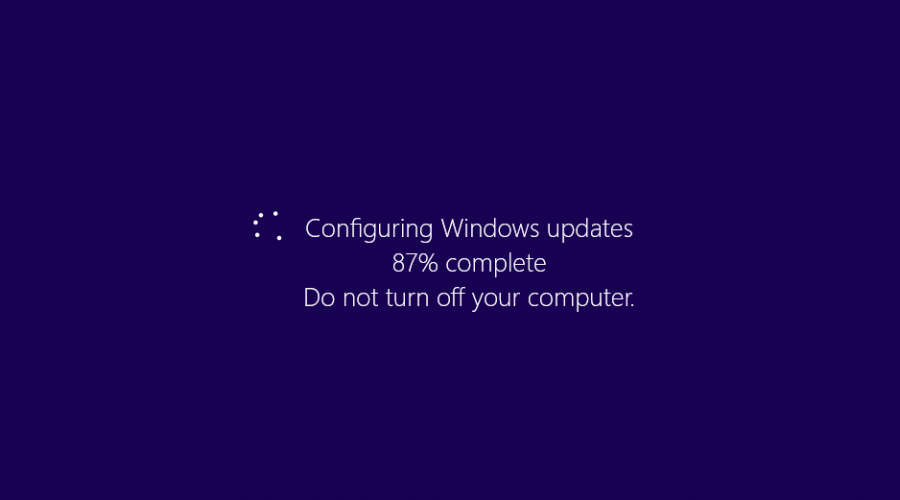

- Desperately hit F8 when Windows boots and click Recover Windows. Alternatively you can also boot from the Windows Server 2012 R2 ISO/DVD and choose repair.
- Go in to the Advanced Repair options then choose Command Prompt.
- Enter your recovery password if asked to do so.
- At the command prompt type diskpart to enter the diskpart tool
- Then type list volume to show the current volumes. Note down the drive letter that relates to your servers primary drive. In my case it was D.
- Type exit to exit the diskpart tool.
- Now type the following being sure to change D to the drive letter from the previous step.
move d:\Windows\WinSXS\Pending.xml d:\Windows\WinSXS\Pending.old
- This will remove the xml that details any pending updates.
- Exit the command prompt and reboot your server.