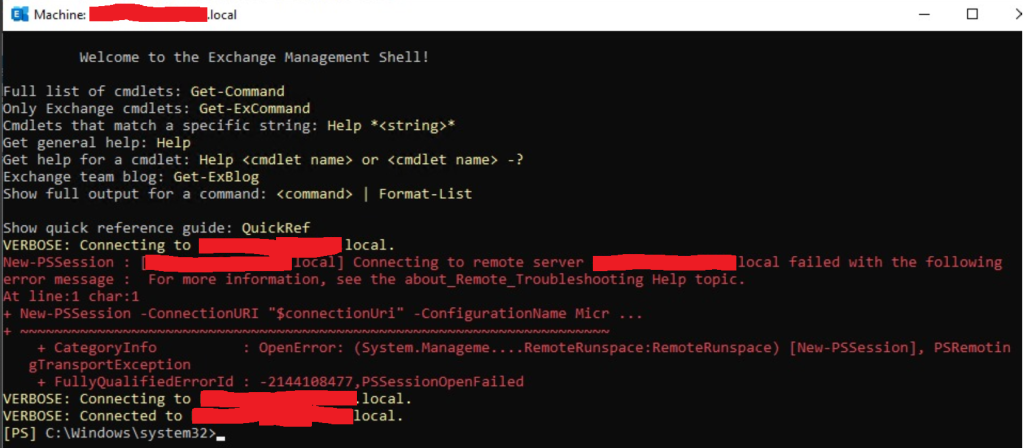
Connecting to remote “abc.local” failed with the following error message : For more information see the about_Remote_Troubleshooting Help topic.
At line:1 char:1
New-PSSession -ConnectionURI “$connectionUri” -ConfigurationName Micr …
Start IIS Manager
IIS Manager–> Sites–> Default Website –> PowerShell
Right click on Powershell–> Manage Application –> Advanced settings
Change the physical path from
C:\Program Files\Microsoft\Exchange Server\V15\FrontEnd\HttpProxy\PowerShell
To:
C:\Program Files\Microsoft\Exchange Server\V15\ClientAccess\PowerShell
open cmd, run “iisreset” and reconnection exchange management shell.